Credentials
A credential is a value that gives access to an app. Your agent sends a claim link when SwB needs one. The link opens a one-time form. The form sends the value from your browser to SwB.
How a claim link works
Sign in as the owner to open the form. If the form shows SwB owner key, enter the key on that page. The link works once and expires after 30 minutes.
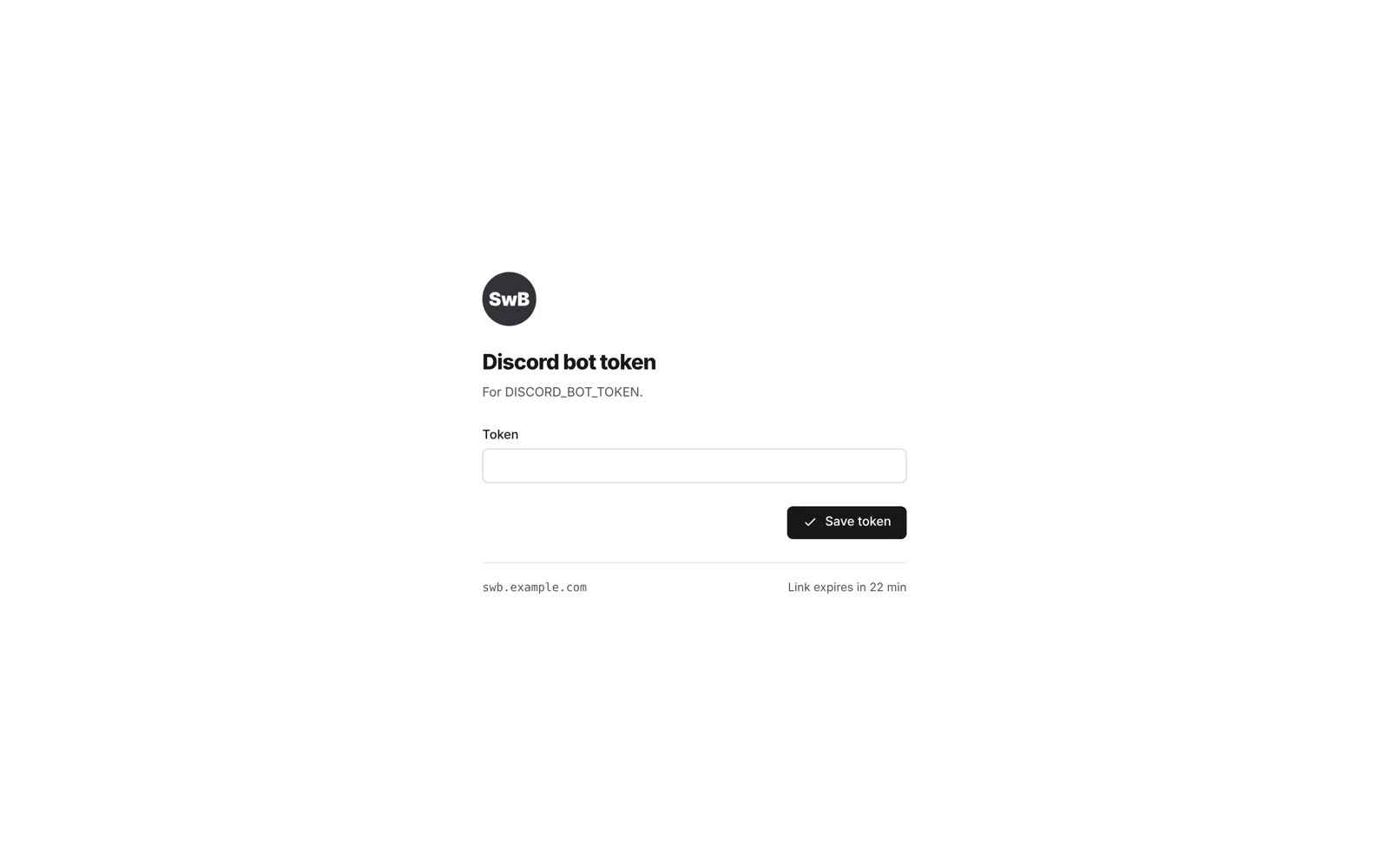
SwB encrypts the value with a key in its data folder. The block can use the saved value in place of an environment variable. SwB uses the environment variable first when you set both values.
| Page | Use |
|---|---|
/claim/{code} | Save the credentials for a connection. |
/routines/claim/{code} | Use a one-time claim link to save a Claude routine token. |
/routines/claim/owner/{registration} | Save a pending Claude routine token from the Agents page. |
Save credentials
Paste the token into the form for Discord, Telegram, a Claude routine or Grok Bot. Select Save token. For the Grok Bot webhook form, enter the address. Select Save webhook url.
For GitHub App setup, SwB gives you a separate link for each missing value. Fill in App ID, Private key or Webhook secret on its form. For Private key, select Upload .pem file or paste the full contents of the .pem file. Select Save on each form.
Restart SwB after you change the GitHub webhook secret.
For Slack, SwB gives you one claim link per workspace when a token is missing. Fill in the fields on the shared form. Select Save.
Claim from the terminal
swb claim 'https://swb.example.com/claim/...'Use the command for a single text field at /claim/{code} or /routines/claim/{code}. Use the browser for a form with several fields or a file. The command hides what you type. It uses the local server by default. For a remote server, set --url to its SwB base address.
Replace a credential
| Block | How to replace a value |
|---|---|
| Grok Bot | Ask an agent to call connect for grok-bot with the routine name and replace=url or replace=secret. |
| Slack | SwB issues a claim link for a workspace when a configured token is missing. |
| GitHub | Ask your agent to call connect(what="github", choose={"replace":"secret"}) to replace the webhook secret. webhook_secret has the same effect. Use all to also replace the App credentials or personal access token. |
To replace a value set in the server environment, update the environment variable. Change an App ID set in blocks.github.app_id in the config file. Restart SwB after you change the configuration or the GitHub webhook secret.