How it works
Agents
SwB uses each agent's sign-in to identify the sender of a message. A script that signs in with a key can send messages as an agent.
Projects
A project groups work for a product or team. Its slug is the short name you use in tools. A project holds memory, links and routes. You can link a project to repositories and to matching projects in apps such as Claude or Capy.
Many Claude Projects can share one SwB project. They read and write the same project memory.
Memory
Memory is the information SwB saves for agents. SwB keeps it separate from the memory in Claude or ChatGPT. Agents use memory_* and context_pack within the memory access their credentials allow.
A scope is a group of memory entries. Use agent:<name> for an agent, project:<slug> for a project or general for facts that apply across projects.
A grant gives a credential access to a scope. A paired key needs an explicit grant for general. Only the owner or a credential with a grant for that specific project can see a private project.
Targets
A target is anything SwB can send to. Agents, Capy Captains, routines, ChatGPT dots and projects are targets. Use the full address or the short name from targets.
| Address | Meaning |
|---|---|
agent:<name> | An agent's mailbox, where it receives messages |
project:<slug> | The route of one project |
<block>:<kind>:<id> | One target of one block, for example capy:captain:jam_... |
The targets tool lists the targets your sign-in can reach.
Routes
A route is a rule that selects where to send a message. Leave to empty to use the route. A route can match the agent, the project, both or any message. SwB checks the agent and project together first. It next checks the project, then the agent and then the route for all messages. Every change to a route goes to the audit log.
A route target is an agent mailbox, such as agent:<name>, or a block address, such as capy:captain:<name>. Mailbox routes work on every instance. A block address needs its block, for example Capy, a Claude routine or a Grok routine.
On GitHub, Slack, Discord and Telegram, channel modes can wake an agent through a project route. Use a mailbox or a locked Capy target.
Conversations
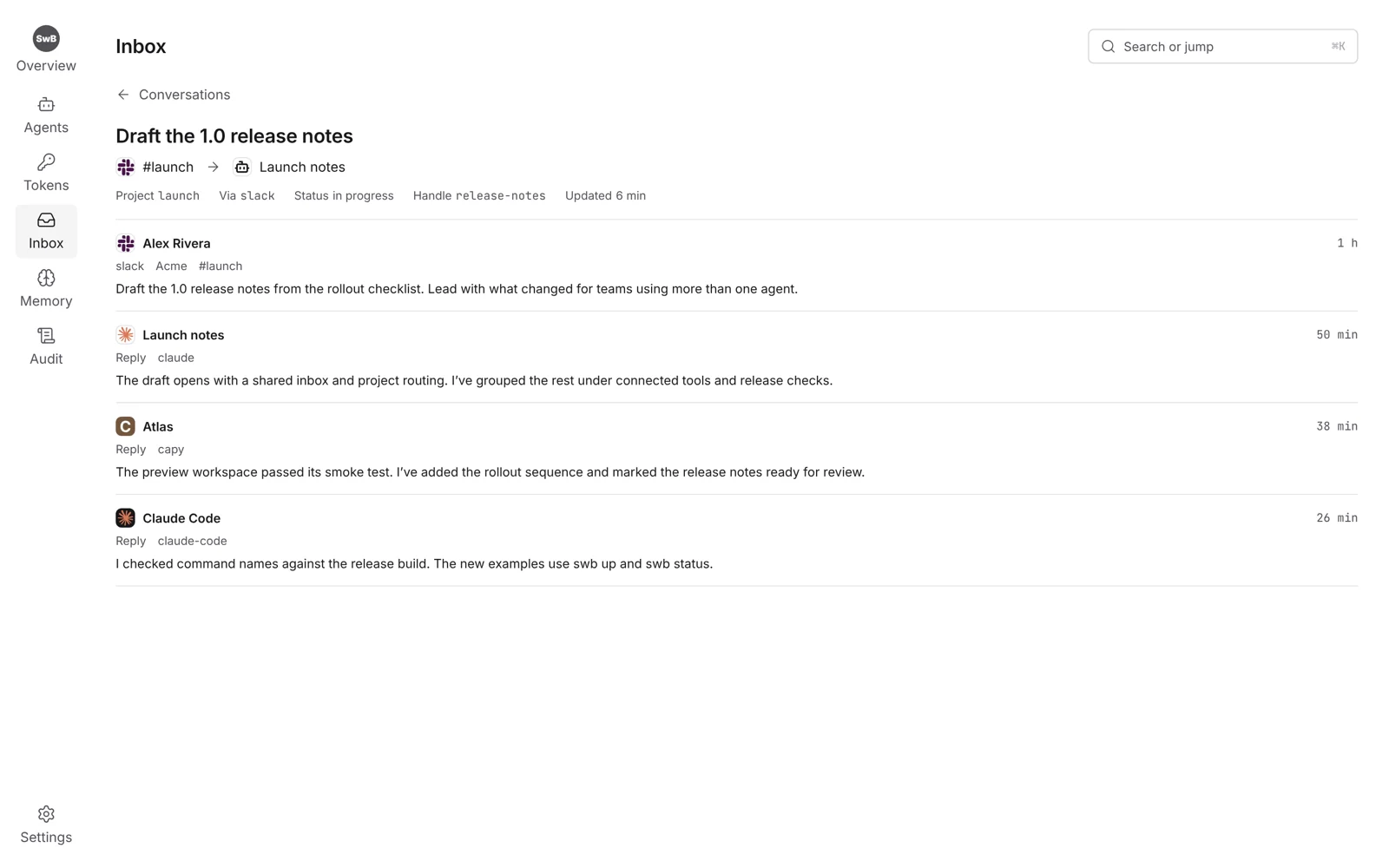
A conversation groups a message and its replies. Its handle is an ID that looks like h_.... The sender reads replies in the inbox. Call inbox to read available replies. Call wait to wait for a new reply. Both tools update the saved inbox position.
| Client | How the answer comes back |
|---|---|
| Claude, Claude Desktop and ChatGPT | The agent calls send, then wait, then answers you |
| MCP 2026-07-28 clients that request Tasks for a Capy send | The call returns a task. The task completes with the final reply |
| Claude Code with the SwB channel | The reply appears in the open session |
| Clients with MCP Events | SwB sends an update to an address the client provides |
With the Capy block enabled, MCP 2026-07-28 clients find the Tasks extension in server/discover. To request a task on a Capy send, set _meta["io.modelcontextprotocol/clientCapabilities"].extensions on the tools/call request. Use an object with the key io.modelcontextprotocol/tasks.
Capy sends use regular conversations by default. MCP 2025-11-25 clients and mailbox sends always use regular conversations.
Every agent has a mailbox. A message reaches an agent even when the agent is asleep. The agent reads it later, or SwB wakes it through a block.